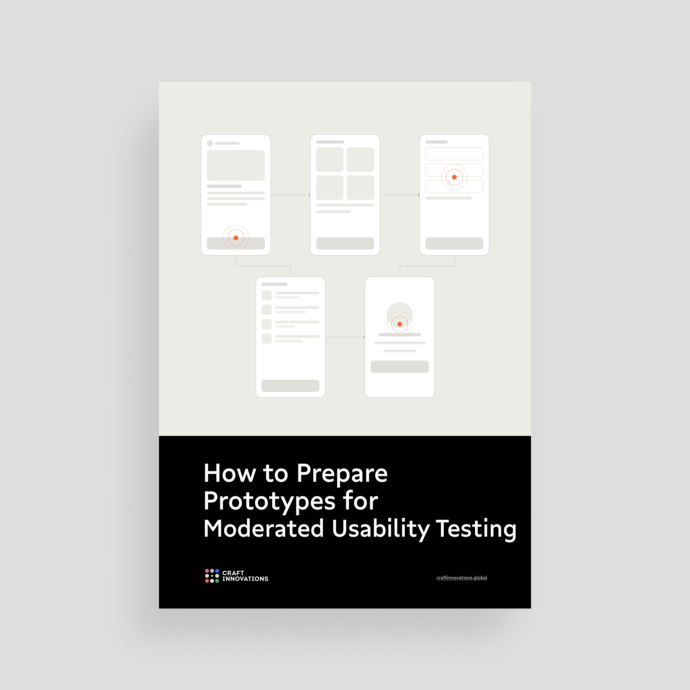
In moderated usability testing, the prototype is a measuring instrument that needs proper calibration in advance. Every dead link, missing back button, and unclickable card lands in the insights report or research hypotheses as if it were a usability problem, and the participant’s confusion looks identical either way.
Across more than 47,000 hours of user research and usability testing, we have learned exactly how to keep a prototype from contaminating the findings. This is the preparation pass we run before fieldwork: 35 checks across 8 chapters, each one tied to what it protects in the data.
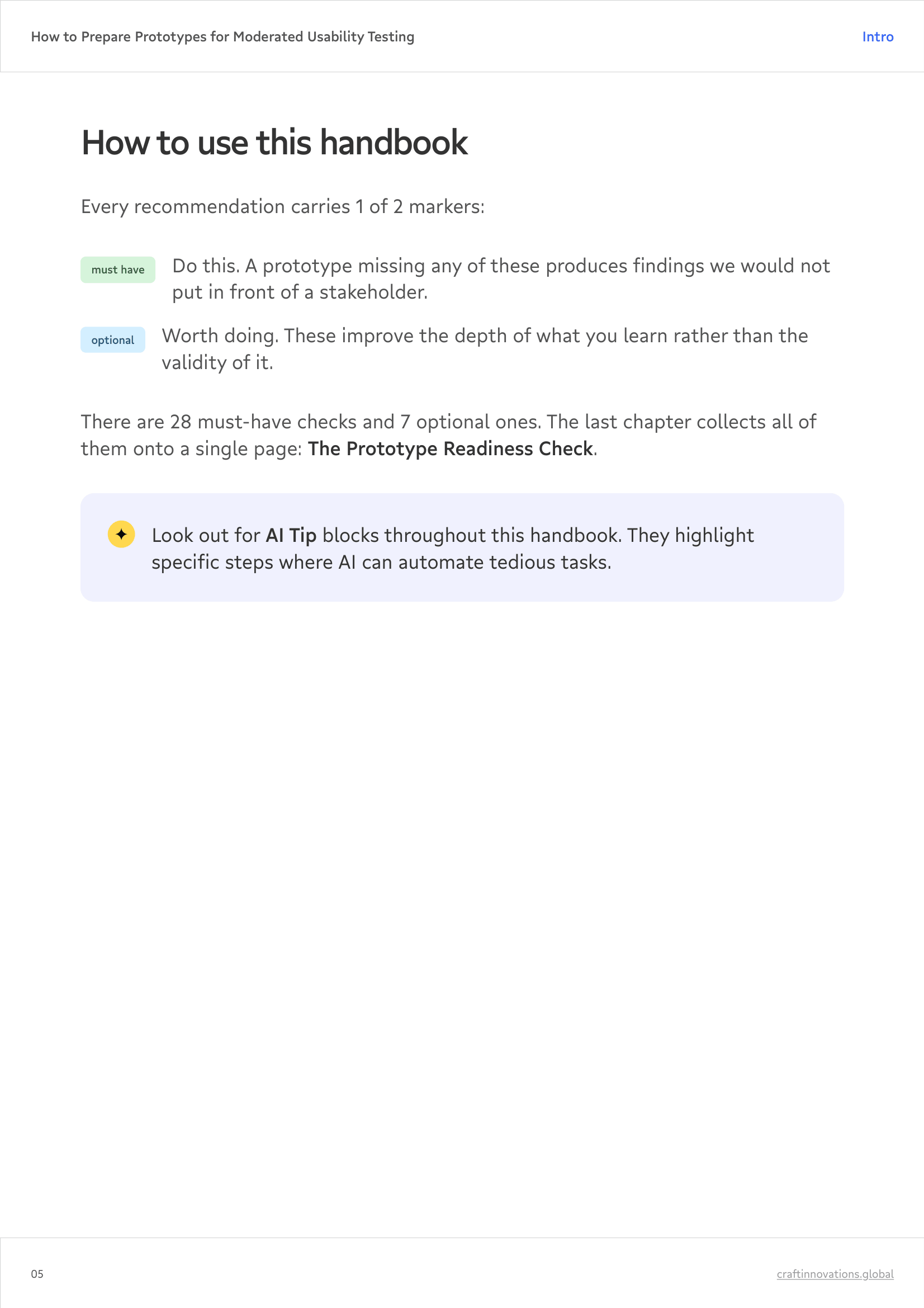
Each recommendation has a marker: must-have or optional, so you can triage when the session is tomorrow.
What’s inside
How to prepare a prototype, chapter by chapter:
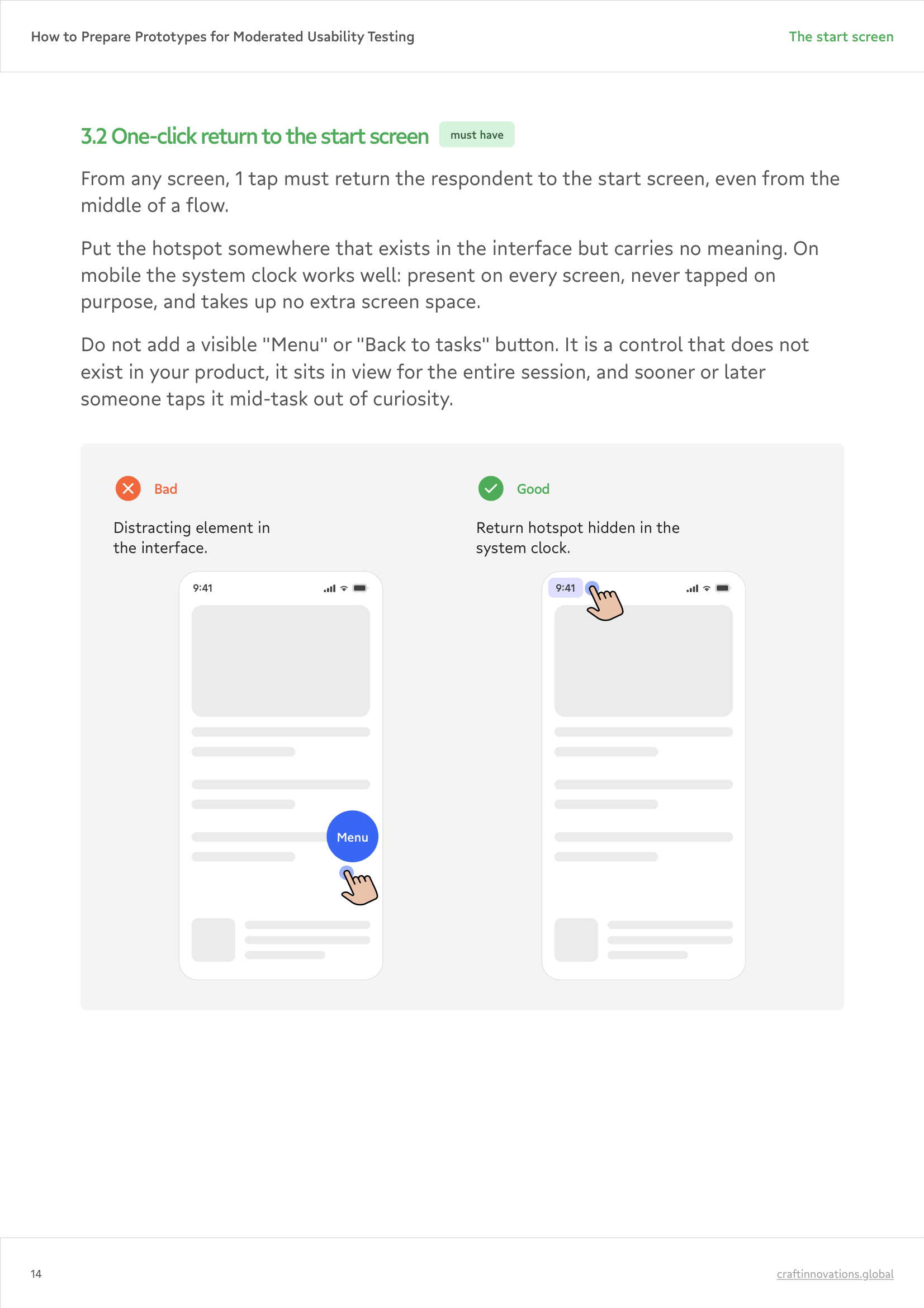
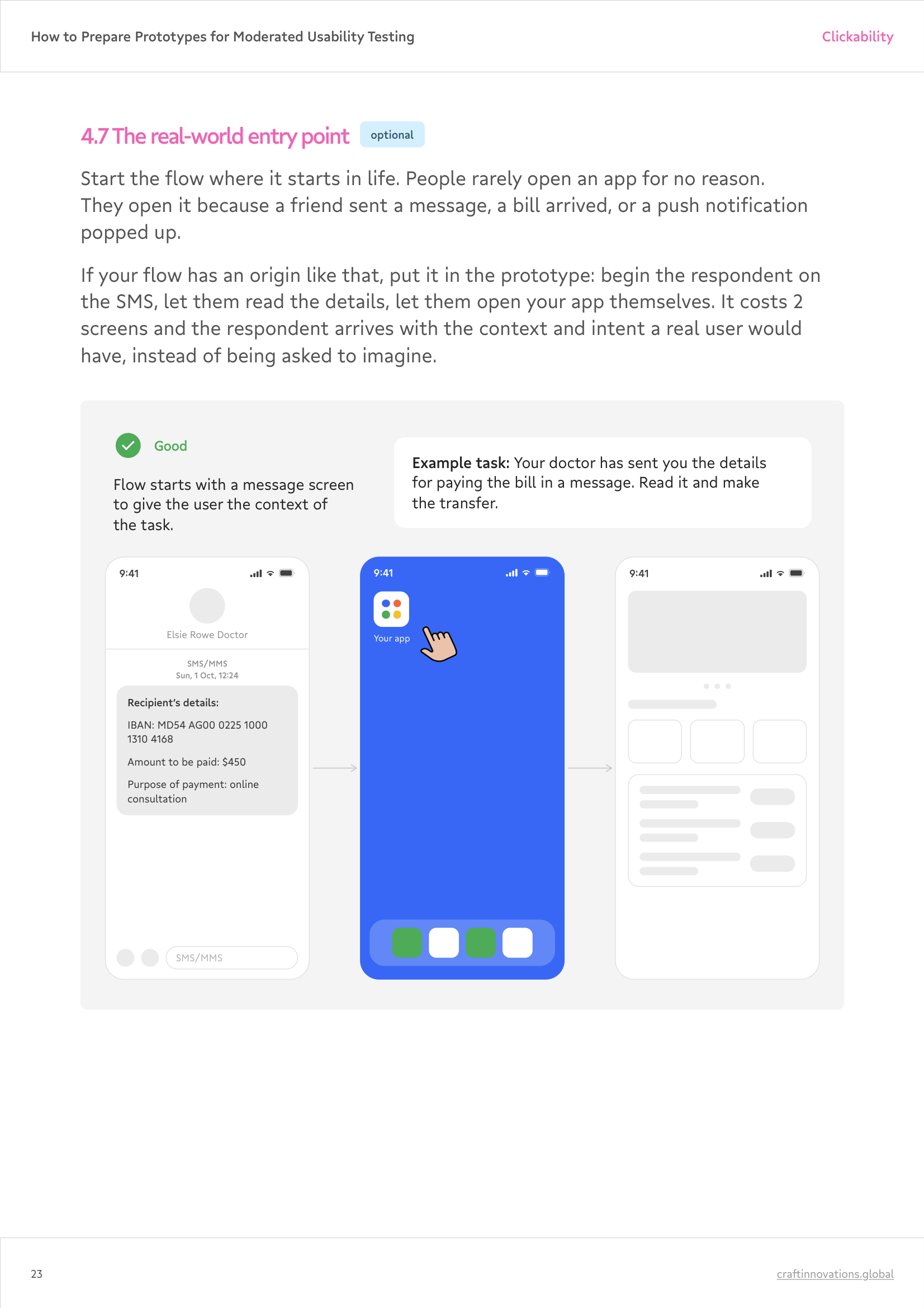
- The start screen
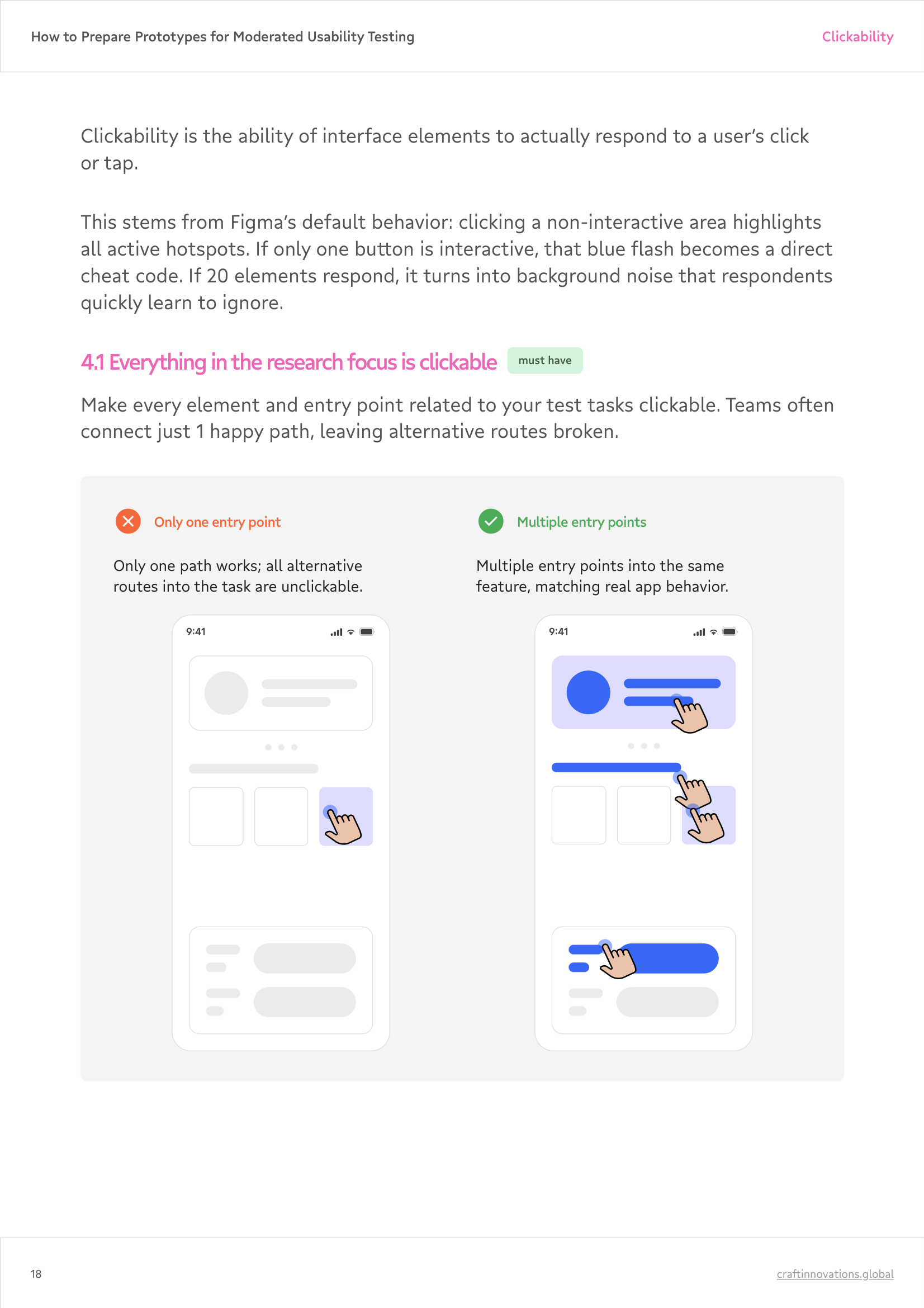
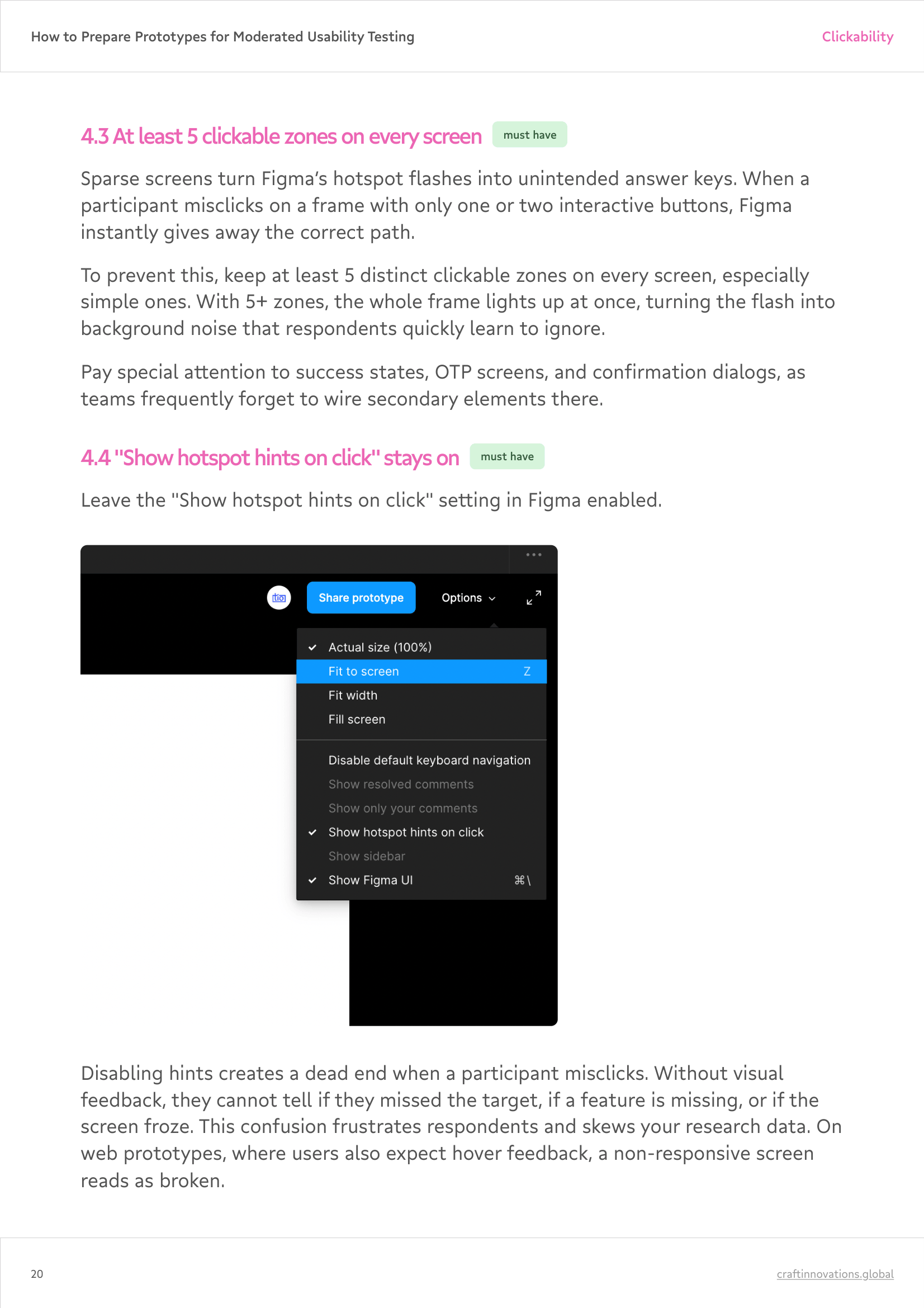
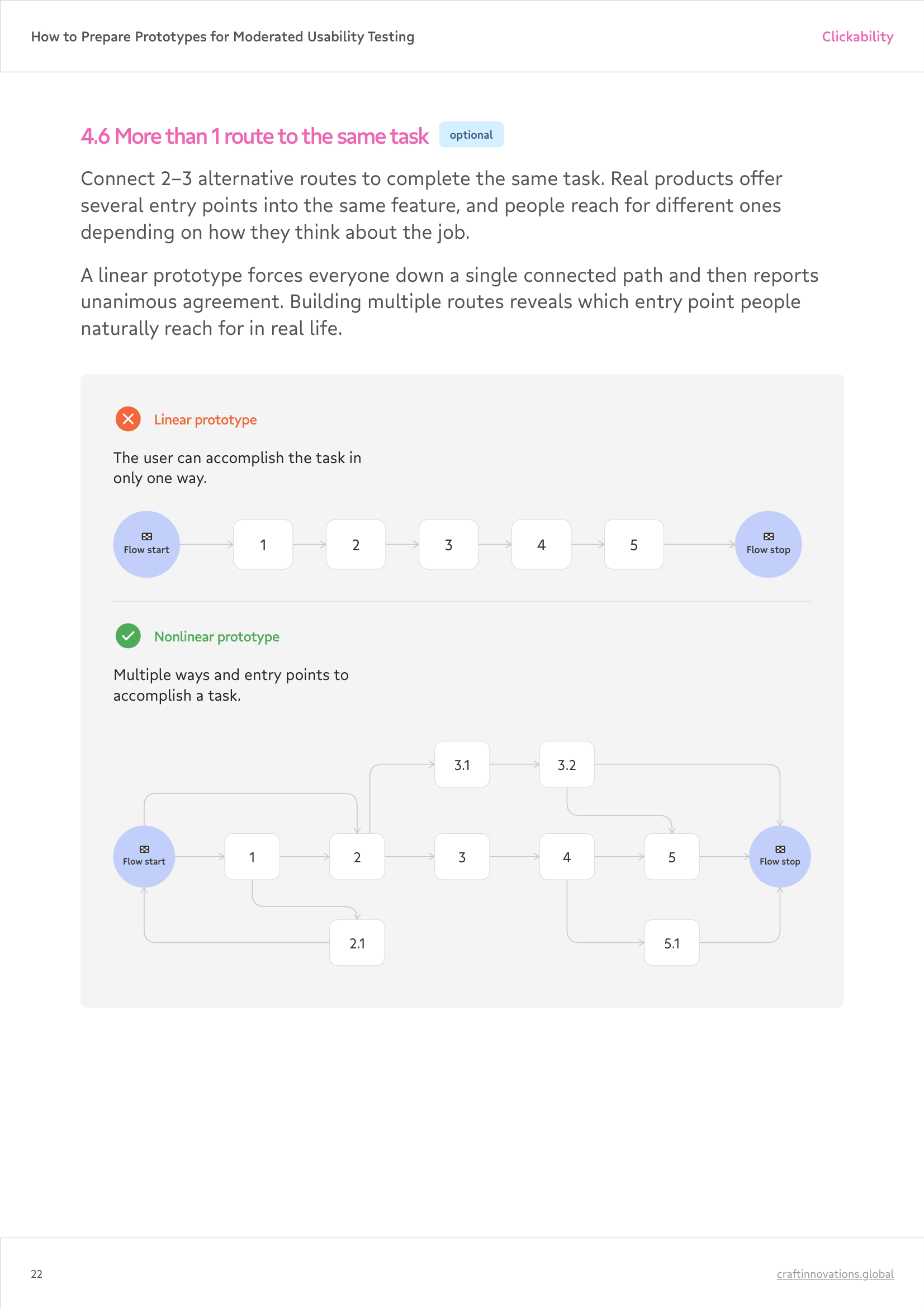
- Clickability: what has to respond to a tap, and what can stay dead
- Control: back, scroll, overlays, and notifications
- Motion, input, and states that make a prototype feel like a real app
- Data and copy consistency
- Device, access, and the dry run
Plus 2 things you’ll use after reading:
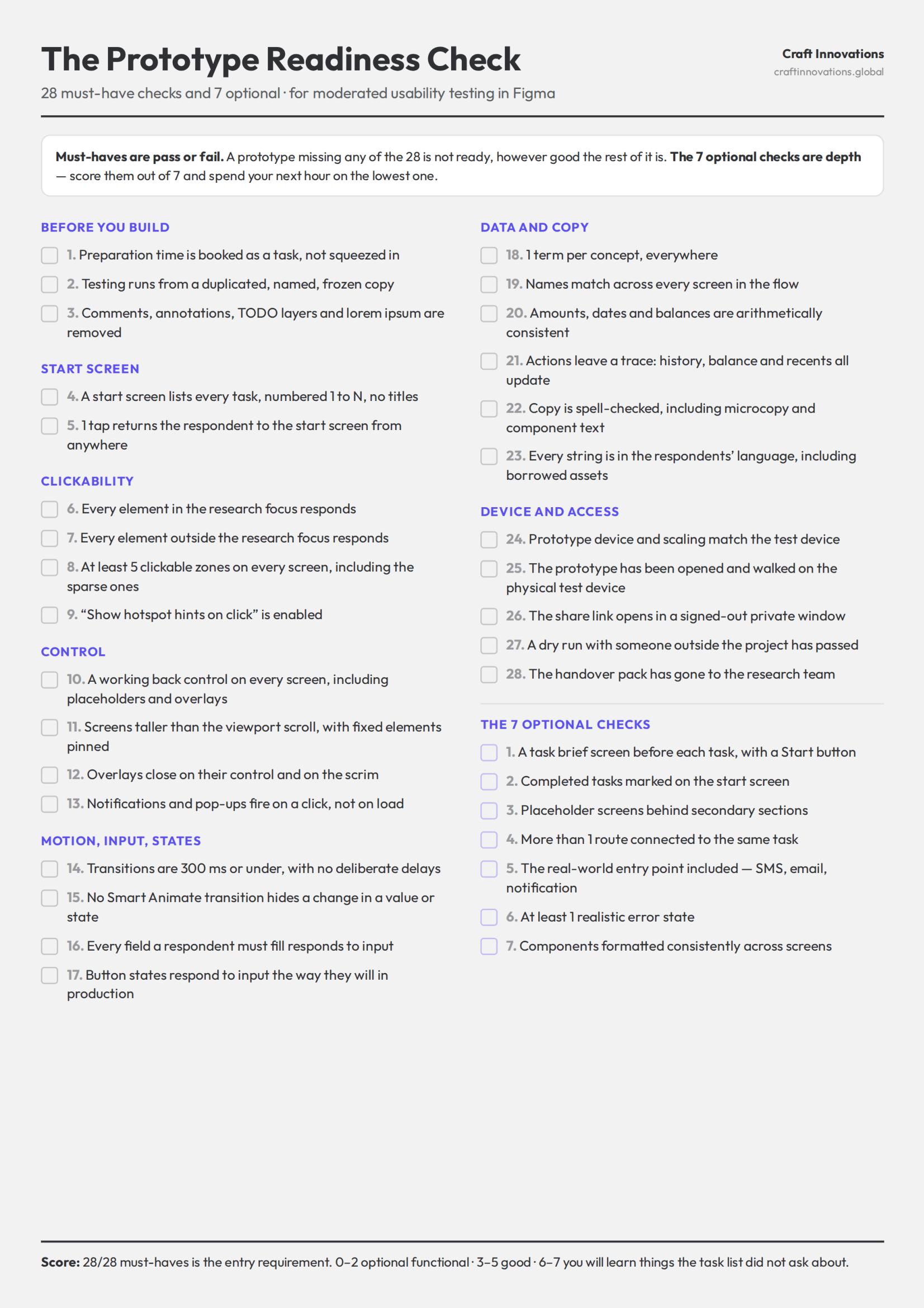
- A tear-out sheet to print it and mark it up.
- AI Tips to save you time.
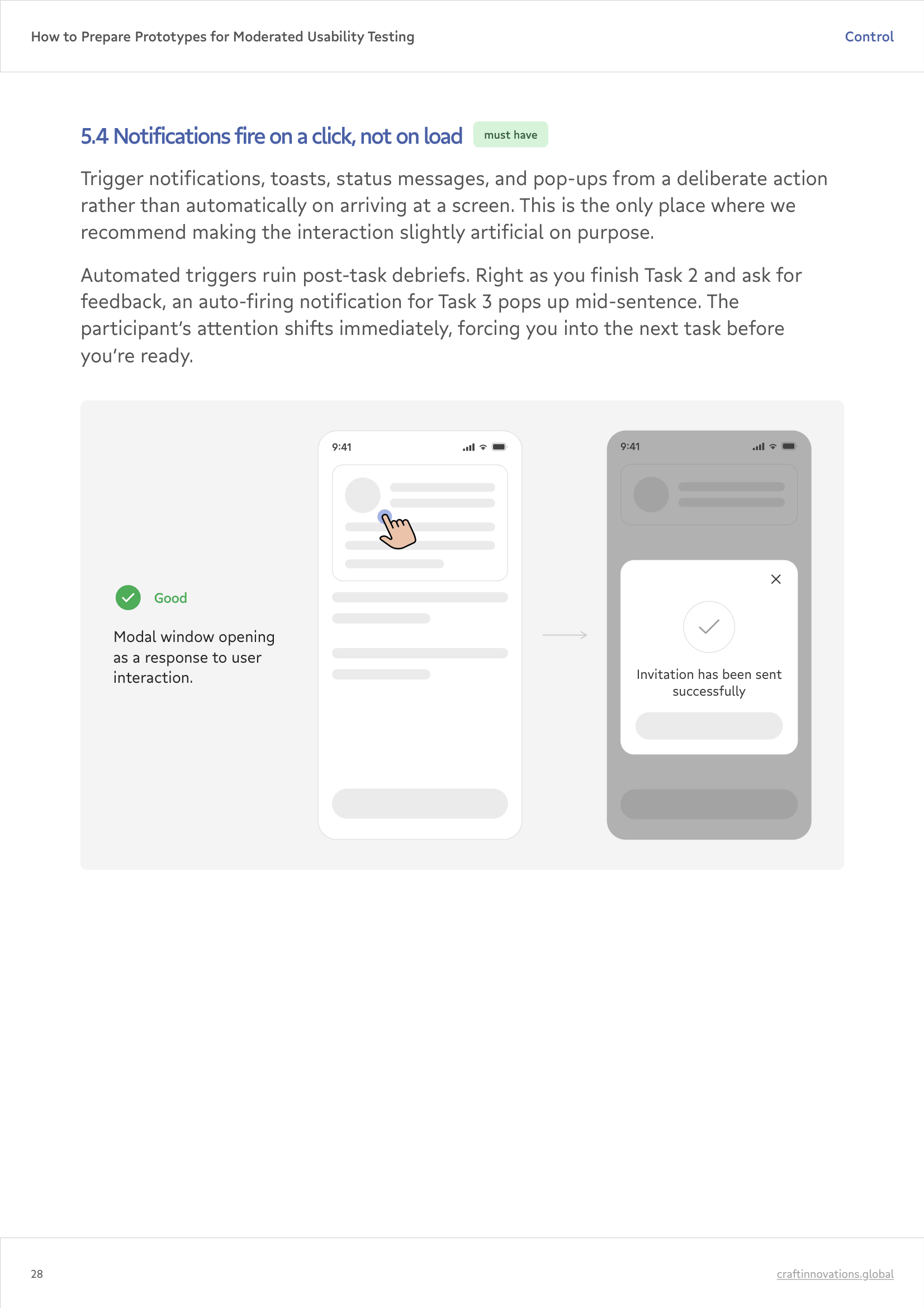
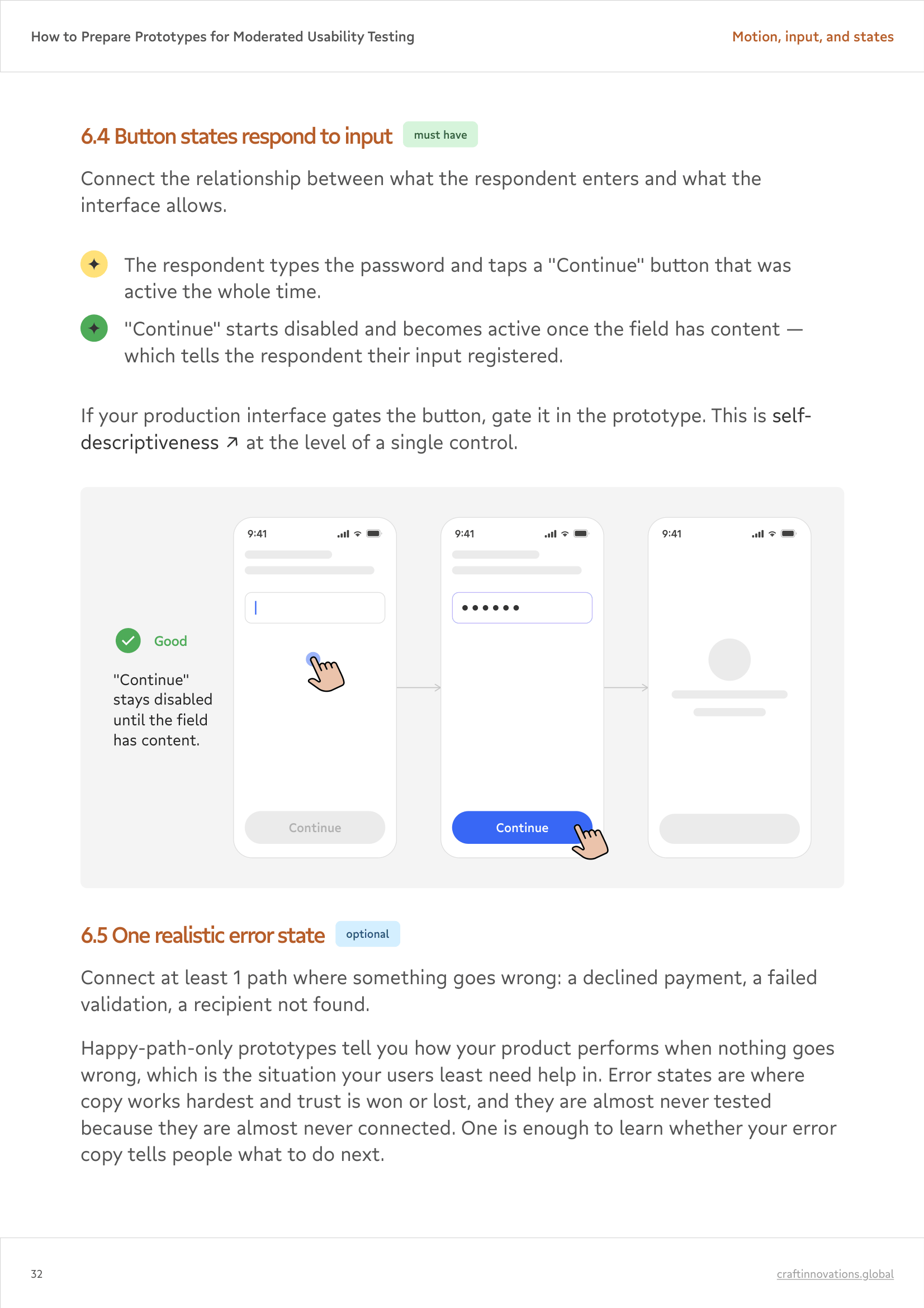
Who it’s for
The handbook is written for specialists who want to raise the quality bar on their moderated usability prep.
- Heads of Product, Product Owners, CPOs deciding what ships on the strength of those findings.
- CX & Customer Insights Leads whose CSAT and Customer Effort Score benchmarks depend on clean sessions.
- Innovation & Digital Transformation Leads who fund the research and need findings they can defend to the board.
- Product & UX designers who build the prototype and inherit the questions when something does not click.
- UX Researchers & Research Leads who receive a file they did not build and have 1 hour to trust it.
- Agency & consultancy teams running research for clients, where a prototype defect is a billable hour spent on nothing.
